


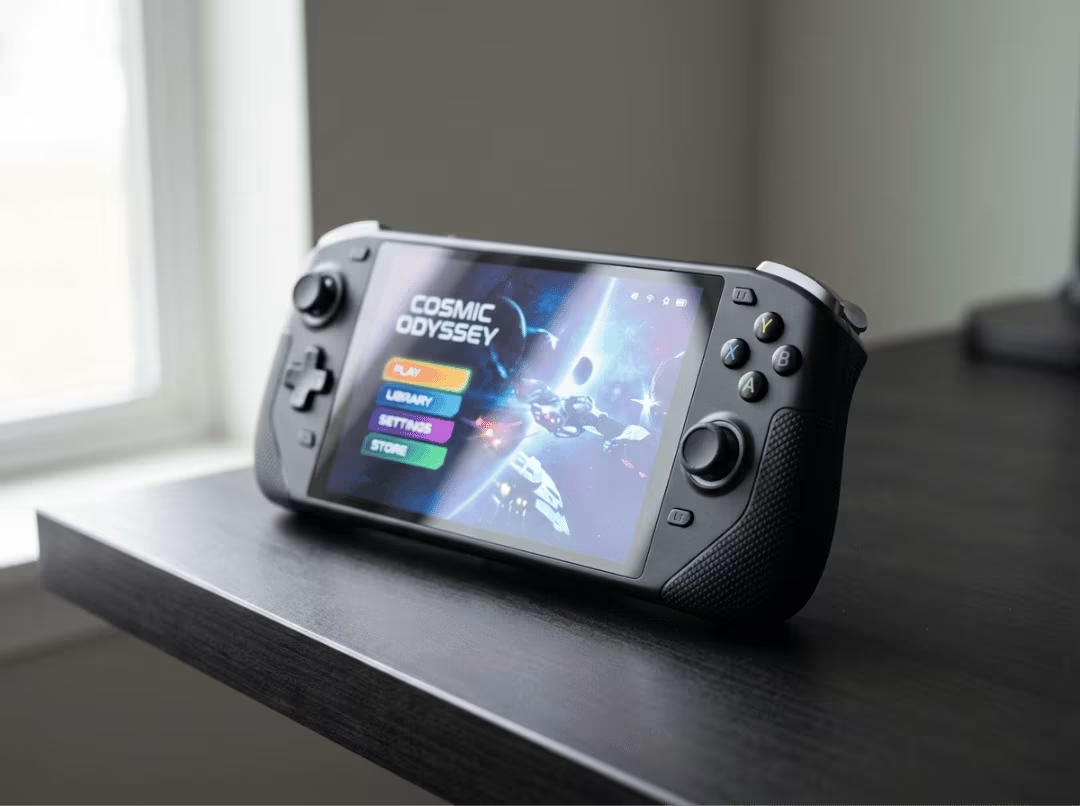
Quick answer: The Steam Deck’s GPU lands in GTX 1050 Ti territory—typically a notch below a GTX 1650. It can handle light local AI like small quantized language models and transcription, but it is not an AI server. It has no tensor cores, no NPU, and no official ROCm support.
If you want to know which desktop graphics card the Steam Deck actually matches—or whether that little handheld can double as a cheap AI box when you’re not gaming—both questions come down to the same hardware. The GPU sits in the GTX 1050 Ti class. It can run light local AI. But treating it like a real AI server is a mistake, and this article will help you avoid it. You’ll leave with a clear performance placement, an honest read on what AI work the Deck can and can’t take on, and a direct recommendation on what to buy or rent when the job outgrows it.
What GPU Is the Steam Deck Closest To?
The Steam Deck’s GPU performs in the GTX 1050 Ti class, typically landing just below a GTX 1650. In many modern games, it matches or slightly edges the 1050 Ti despite carrying fewer shader units—not because the Deck is more powerful, but because its newer architecture does more work per clock.
Is the Steam Deck GPU closer to a 1050 Ti or a 1650?
Use the GTX 1050 Ti as your mental anchor. The GTX 1650 is a ceiling the Deck doesn’t quite reach. The reason the Deck can edge past an older 1050 Ti in current titles is its RDNA 2 design, which handles Vulkan and DX12 more efficiently than the 1050 Ti’s aging Pascal architecture. In practice, newer games built around modern APIs tend to favor the Deck; older DX11 titles often tip back toward the desktop card.
The GTX 1050 Ti and GTX 1650 are the two cards worth measuring against. The Radeon Vega 7 integrated graphics in Ryzen 4000 chips serve as a distant third reference.
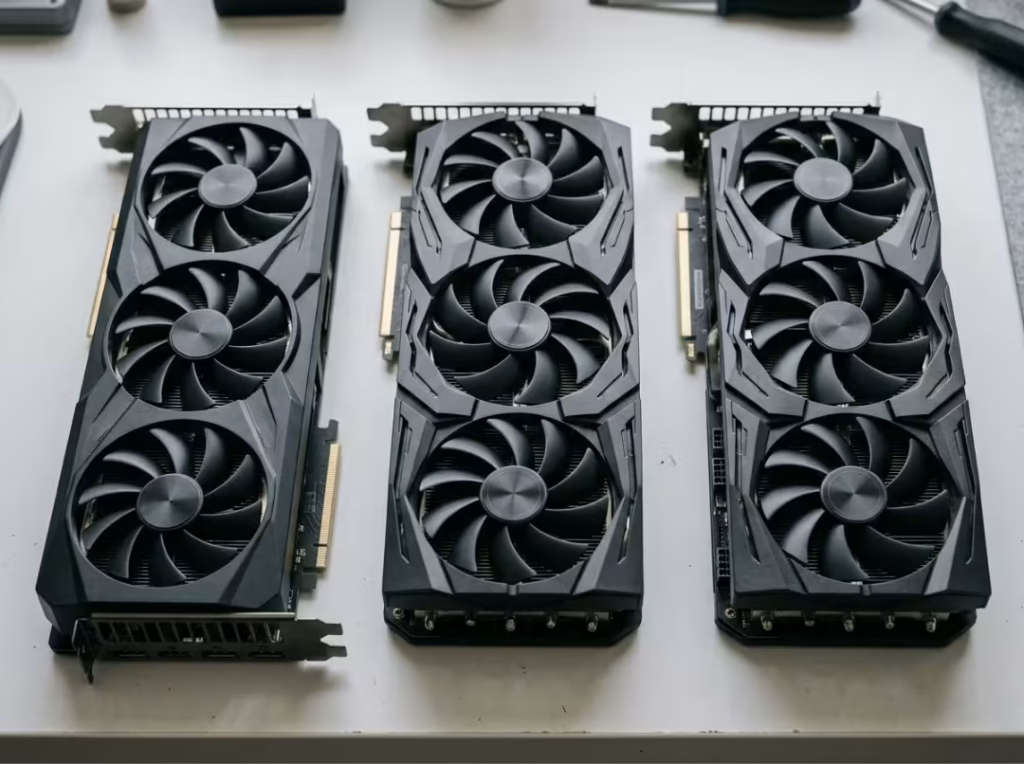
The closest desktop comparisons
|
Spec |
Steam Deck (Van Gogh) |
GTX 1050 Ti |
GTX 1650 |
Radeon Vega 7 |
|---|---|---|---|---|
|
Architecture |
RDNA 2 |
Pascal |
Turing |
Vega |
|
Shader units |
512 |
768 |
896 |
448 |
|
Power |
~15W (full APU) |
75W |
75W |
shared |
|
Rough 800p FPS |
40–60 |
40–55 |
55–70 |
25–40 |
The shader gap looks damning—512 units against the 1050 Ti’s 768—yet the Deck holds its own at 800p. That’s RDNA 2’s per-shader efficiency closing the gap. The raw disadvantage shrinks when the workload is Vulkan or DX12; it widens when it isn’t.
Why this comparison is only partly true
This is an experience-tier match, not architectural equivalence. The Deck behaves like a 1050 Ti at its native resolution under the right conditions. Change those conditions—resolution, sustained load, API—and the match starts to break. The next two sections explain where and why.
Why the Steam Deck Performs Like That
Three hardware facts set the ceiling. None require a chip architecture course, but each one shapes what you can realistically expect.
It uses an APU, not a discrete GPU
The Deck runs on AMD’s custom Van Gogh chip: a CPU, GPU, and memory controller in a single package, sharing a single power budget. The entire system runs on roughly 15W by default. When the CPU is working hard, the GPU gets less power, and vice versa. There’s no dedicated headroom to draw from when things get demanding.
8 RDNA 2 compute units set the ceiling
Eight compute units. A desktop RX 6500 XT has 16. The Deck doesn’t out-muscle its way to acceptable performance—it gets there by targeting a low resolution and relying on well-optimized software. At 800p, 8 CUs are viable. Push higher, and they’re not.
16 GB unified memory helps portability but limits heavy tasks
There’s no dedicated VRAM. The 16 GB LPDDR5 pool is shared between the CPU, GPU, and operating system. That tradeoff works well for a handheld but creates a hard ceiling for demanding workloads—especially AI, where memory capacity often determines whether a model loads at all. The OLED and LCD models use effectively identical GPUs; the OLED refresh improved the screen and power efficiency, not graphics output.
When the GTX 1050 Ti Comparison Works — and When It Doesn’t
The “≈1050 Ti” shorthand is useful in one specific context. Lean on it outside that context, and it will mislead you.
It works at 720p/800p gaming expectations
At the Deck’s native resolution with low-to-medium settings, the comparison holds up. Most modern games land in the 40–60 FPS range, and the experience genuinely resembles that of a tier-2 desktop card. This is the only scenario where you can use the shorthand without qualification.
It breaks down at 1080p and above
Raising the resolution makes shared memory bandwidth the bottleneck. Games that ran smoothly on the handheld screen start to stutter when the Deck is plugged into a 1080p monitor. A discrete 1050 Ti, with its own dedicated memory, doesn’t hit the same wall at that resolution.
It breaks down under sustained or less-optimized loads
A desktop 1050 Ti has 75W to spend and active cooling that doesn’t throttle. The Deck’s entire APU runs at ~15W and will back off under heat or extended load. DX11 games also run less efficiently on the Deck than Vulkan or DX12 titles. A poorly optimized port, a long session, or an external display at higher resolution—any of these will expose the gap the shorthand hides.
Why This Comparison Matters for Buyers and Tinkerers
The GPU class depends on what you’re planning to do with the device.
What it means for gamers
If you already own a 1050 Ti or 1650-class laptop, the Deck is not a performance upgrade. Its value is elsewhere: form factor, instant resume, SteamOS, and a screen sized for the resolution it targets. Buy it because it does something different, not because it does the same thing faster.
What it means for AI and homelab users
The GPU class also predicts the AI ceiling—8 compute units and shared memory define what’s possible in both contexts. If you understand the gaming limits, you already have most of the picture for AI. The rest comes down to software support, which is where things get harder.
Can the Steam Deck Work as an AI Server?
The Steam Deck can handle some light AI workloads. It cannot function as an AI server in any meaningful sense. That gap is wider than it first appears.
“Server” means different things to different people: a single-user box you experiment on, a small always-on service for a household, or genuine multi-user infrastructure. The Deck barely qualifies for the first definition and struggles with the other two.
What makes it appealing on paper
The spec sheet is genuinely interesting: 16 GB of unified memory, Linux-capable hardware, a ~15W power draw, Docker support, and Vulkan/OpenCL access through Mesa drivers. On paper, that reads like a compact, always-on inference box you could tuck on a shelf and leave running.
The hard limits that matter in real use
The Van Gogh APU has no tensor cores, no NPU, and no dedicated AI acceleration block. Every inference operation runs on the same general-purpose shaders that handle your games—shaders not designed for the dense matrix math AI demands, and they perform accordingly.
The 16 GB pool also shrinks in practice. After the OS takes its share, you’re working with roughly 10–12 GB. AMD’s ROCm stack doesn’t officially support Van Gogh, so most users fall back to Vulkan, OpenCL, or CPU inference—none of which approach the performance of a CUDA-backed GPU.
The cost people consistently underestimate isn’t money—it’s setup friction and ongoing maintenance. The tooling is experimental and shifts often. “Can run” is not the same as “worth using.” The Deck is a tinkerer’s box, not infrastructure. You set it up for fun, not because you need it to be reliable.
What AI Tasks It Can Realistically Handle
Narrow the scope enough, and the Steam Deck earns its place. The unifying rule: single-user, light tasks only.
Small local LLMs for single-user use
Using a 4-bit quantized model implemented via Ollama or llama.cpp, Deck can run models such as Llama 3.2 3B or Qwen 2.5 7B at a slower but still acceptable token-processing speed. It functions adequately in single-user scenarios—such as personal chats, quick queries, and prompt testing—but cannot support concurrent operations.
As soon as a request from a second user is entered or a very long document is submitted, the user experience deteriorates rapidly.
Whisper and lightweight transcription
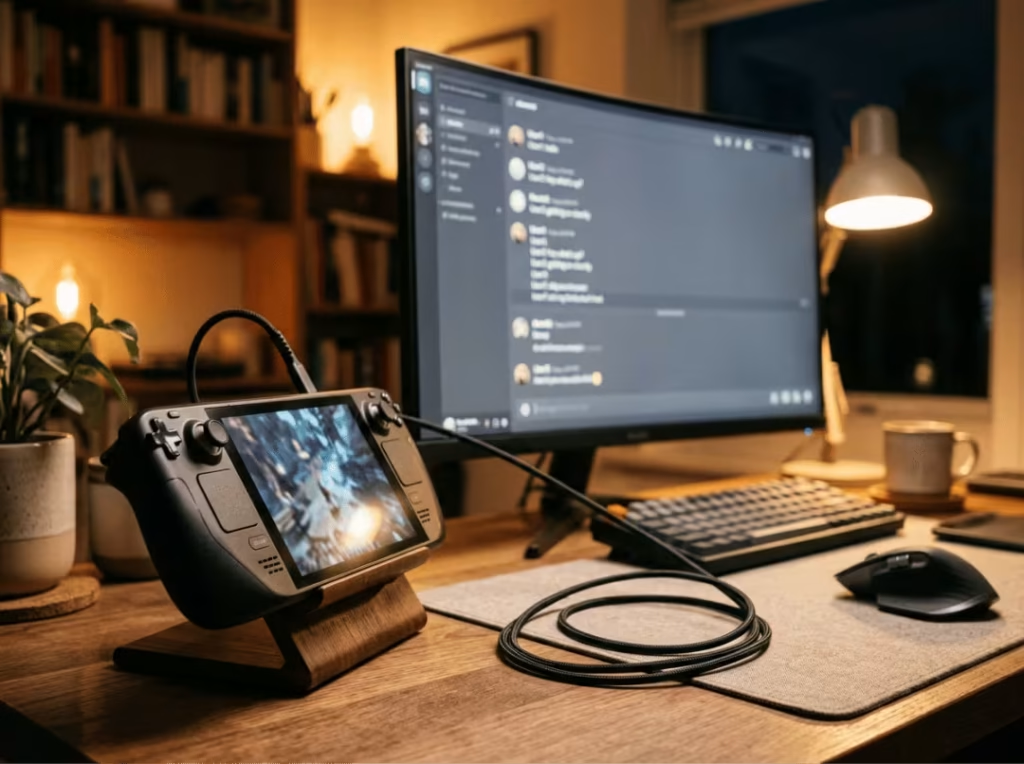
Whisper.cpp is a natural fit. Transcription is more forgiving of slow hardware because you’re processing audio after the fact, not waiting on every token in a live conversation. The offline, private nature of it is a genuine advantage—meeting recordings, voice memos, rough captions—with no data leaving the device. Single-user, non-concurrent.
Prototyping and learning, not production serving
The most defensible use case. Build a model pipeline, test prompts, validate chaining logic locally—then move the heavy lifting to real hardware or a cloud instance once the design is solid. The Deck gives you a free, private environment to prove out an idea before spending money on compute. Think of it as a learning machine or a low-stakes dev environment, not a node you’d put any production load on.
What You Should Not Expect From It
Four hard limits, stated plainly:
- Training or fine-tuning beyond very small datasets.
- Large-model inference—the memory and throughput aren’t there.
- Practical image generation—Stable Diffusion at 512×512 takes several minutes per image on the Deck, which rules out any real creative workflow.
- Multi-user concurrency or server-grade deployment of any kind.
These aren’t configuration problems or optimization gaps. They’re hardware-category limits. No amount of tuning overcomes the absence of dedicated AI acceleration and the ceiling on usable memory. Route these workloads to hardware built for them.
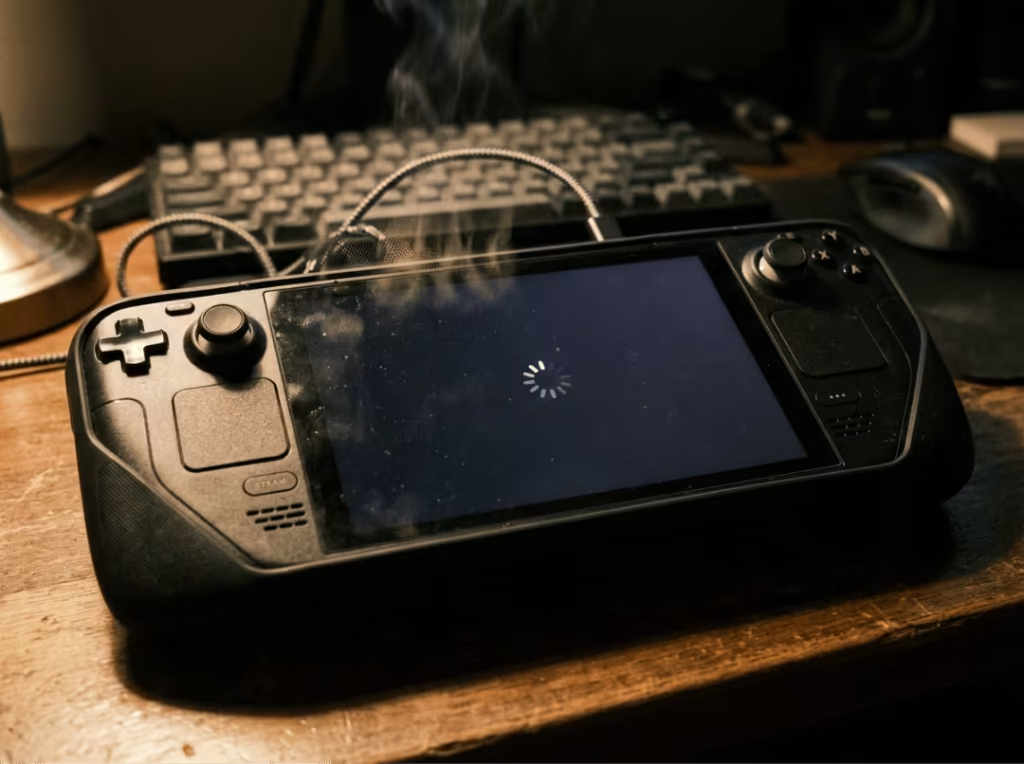
If You Still Want to Try AI on a Steam Deck
If the goal is genuine experimentation—not production, just learning—here’s the lowest-friction way in.
Use a general-purpose Linux environment
SteamOS is read-only by default, which blocks normal package management. The cleanest solution is a full Linux install—Arch or Debian—on a microSD card, keeping gaming and AI work in separate environments that don’t interfere. Developer mode works if you’d rather stay on SteamOS, but it’s messier to maintain over the long term.
Start with small models and simple tools
Ollama or llama.cpp for text, Whisper.cpp for transcription, Docker for containerized services. Start with a 3B model and confirm the full workflow runs before going bigger. Most failed attempts occur because people skip this step and push hardware that will never handle the request.
Plan for storage, heat, and remote access
Model files are large; budget for a fast microSD or an NVMe upgrade. For extended or always-on use, keep the Deck plugged in, monitor thermals, and manage it over SSH—this lets you run it headless without the screen draining power. And be honest about what it is: an experiment box, not a server.
Better Alternatives for Most AI Users
The Deck is the right call if you want to tinker locally on a budget. If you want results, the math shifts quickly.
A used Nvidia desktop is usually the better buy
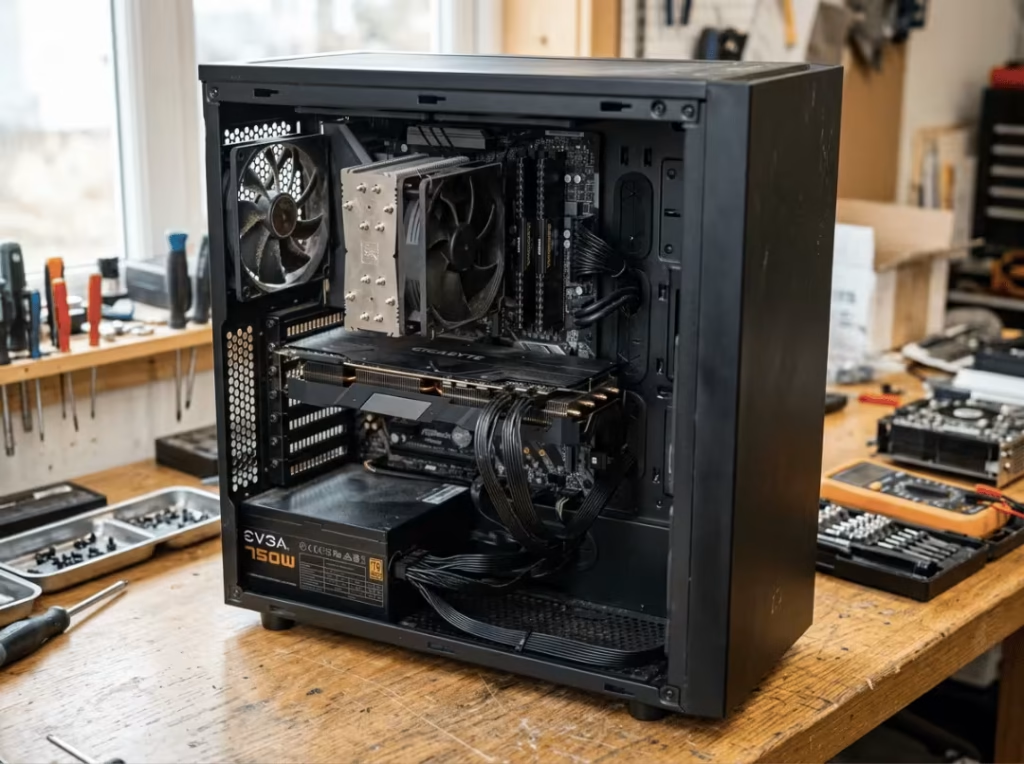
A secondhand desktop with a GTX 1660 or RTX 3050 and 32 GB of RAM costs roughly the same and outperforms the Deck for AI by a significant margin. The more important advantage is CUDA. Nearly every AI framework—PyTorch, TensorFlow, most inference tools—targets CUDA by default. On an Nvidia desktop, they run out of the box. On the Deck, you’re working around the ecosystem rather than with it. For anyone serious about local AI, this is the straightforward choice.
Newer handhelds raise the ceiling, not the category
The ROG Ally and Lenovo Legion Go run more compute units and perform a bit faster, but neither has a dedicated AI accelerator. They’re a step up from the Deck, not a different class of device. The same fundamental limits apply.
Cloud GPUs and dedicated GPU servers make more sense for serious workloads
For large-model inference, image generation, or any workload that demands real throughput, renting cloud compute wins in performance, cost per task, and setup simplicity. If you’re running workloads that need to scale or serve multiple users reliably, hardware purpose-built for the job—like a proper GPU server case housing a multi-GPU setup—makes far more sense than repurposing a handheld. Local consumer hardware only beats cloud or dedicated server builds on two things: privacy and the hands-on value of managing your own stack.
Match your goal to the right tool:
- Maximum local AI compute for the money → used Nvidia desktop with CUDA.
- Privacy, low power, and hands-on learning → a handheld like the Steam Deck.
- Large models, fast output, or multi-user serving → cloud GPUs or a dedicated GPU server.
Frequently Asked Questions
How much VRAM does the Steam Deck have?
None dedicated. It uses 16 GB of shared LPDDR5 split across the CPU, GPU, and OS. After the system takes its share, roughly 10–12 GB is available—a firm cap on how large a model you can load.
Is the Steam Deck GPU closer to a GTX 1050 Ti or a GTX 1650?
Closer to the GTX 1050 Ti, and usually below the GTX 1650. In modern Vulkan or DX12 titles, RDNA 2’s efficiency can push it slightly past the older 1050 Ti despite the lower shader count.
Can the Steam Deck run local LLMs?
Yes, at the small end. Four-bit-quantized models like Llama 3.2 3B or Qwen 2.5 7B run via Ollama or llama.cpp at slow but functional speeds for a single user. Concurrent requests or long context windows are not realistic.
Can it run Stable Diffusion?
Technically yes. Practically, no. A single 512×512 image takes several minutes—too slow for any real creative use. For image generation, use a CUDA-backed GPU or a cloud service.
Does the Steam Deck support ROCm?
Not officially. Van Gogh is not a supported ROCm target. Most users fall back to Vulkan, OpenCL, or CPU inference—one of the core reasons a used Nvidia card is a far easier starting point for AI work.
Is the OLED model faster than the LCD for AI?
No. Both use the same GPU. The OLED brings a better display and modest efficiency improvements—not more AI or graphics compute.
The Verdict on Steam Deck as an AI Machine
On gaming: the Steam Deck belongs in GTX 1050 Ti territory, strong at 720p–800p and limited by its 15W budget once you push past that resolution. On AI: it handles small local models and transcription for a single user, but without tensor cores, an NPU, or official ROCm support, it is not an AI server by any reasonable definition.
Buy the Deck for portable gaming and low-power experimentation. For serious AI work, put the money toward a used Nvidia desktop or cloud compute—or, if you’re scaling up, proper server-grade hardware built for the job. The Deck earns its place as a cheap, private sandbox for learning and light workloads. That’s enough—as long as you go in knowing it.
