


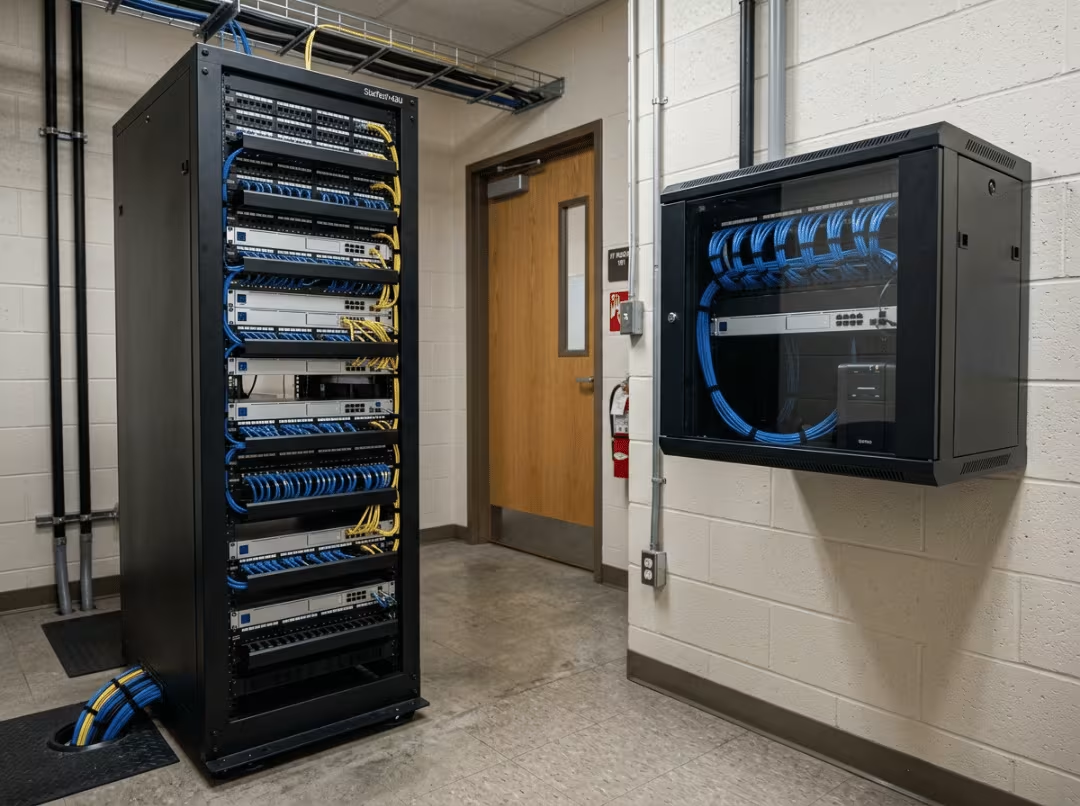
Choose the wrong rack and you’ll know it within a year—equipment running hot, a wall bracket creaking under too much weight, or a cabinet you’ve already filled with nowhere left to go. The decision between a rack mounted rack and a wall mounted rack isn’t complicated, but it does require working through the right questions in the right order. How heavy is the gear? How much heat does it generate? Will the setup grow? Answer those three first, and the choice tends to follow naturally.
What Is a Rack Mounted Rack?
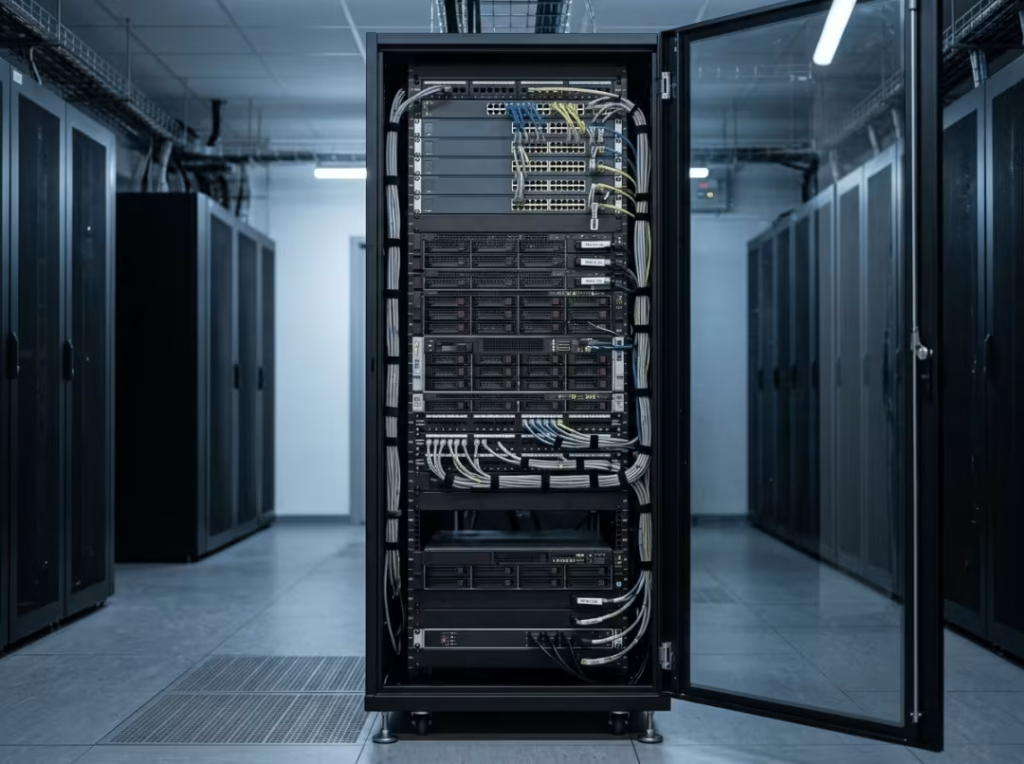
A rack mounted rack is a floor-standing enclosure or open frame that holds equipment on standardized 19-inch rails, with height measured in rack units (U). It comes in two main forms: enclosed floor-standing cabinets and open-frame racks.
These belong in spaces where floor room isn’t the constraint—server rooms, data centers, and dedicated IT closets. Sizes typically run from 18U to 48U and beyond, which is why they’re the standard choice for heavy, dense loads: servers, storage arrays, UPS units, and multiple switches.
What Is a Wall Mounted Rack?
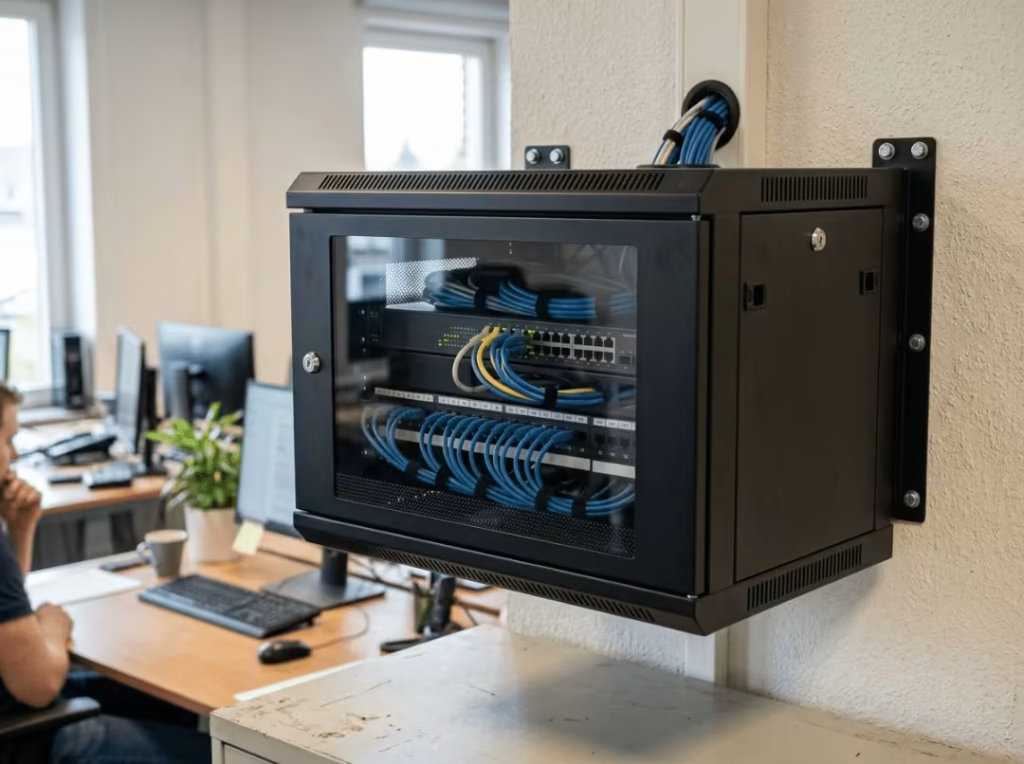
A wall mounted rack is a compact enclosure or bracket that mounts directly to a wall, keeping gear off the floor. Common forms include fixed wall-mount cabinets, swing-out (hinged) cabinets that allow rear access, and open wall-mount brackets.
You’ll find them in offices, retail spaces, classrooms, and branch locations—anywhere floor space is limited or simply not available. They typically range from 4U to 18U and are built for lighter loads: a switch or two, a patch panel, a small NVR.
Rack Mounted vs Wall Mounted Rack: Quick Comparison
|
Factor |
Rack Mounted Rack |
Wall Mounted Rack |
|---|---|---|
|
Mounting location |
Floor |
Wall |
|
Weight capacity |
500–1,500+ lbs |
50–200 lbs |
|
Floor footprint |
High |
None |
|
Cooling method |
Active (fans, aisle setups) |
Passive or small fan kits |
|
Cable access |
Front and rear |
Limited (unless swing-out) |
|
Security |
Robust locking, full containment |
Lockable, less containment |
|
Cost |
Higher upfront, room to grow |
Lower entry, limited expansion |
The Differences That Actually Matter
A handful of factors genuinely drive this decision. Work through them in order—the first one often ends the conversation before you reach the others.
Weight Capacity Comes First
Add up the total weight of everything going into the rack before you evaluate anything else. Servers, UPS units, and battery backups accumulate fast. A single fully loaded UPS can exceed the rated capacity of many wall brackets on its own—before you’ve added a switch, a patch panel, or a single run of cabling.
A floor-standing rack transfers load straight to the floor, so weight isn’t a meaningful constraint. A wall mounted rack is limited twice over: once by the frame, once by whatever the wall behind it can actually support. Most wall racks are rated between 50 and 200 lbs, and that figure includes the cabinet itself plus everything inside it. Exceed it and the failure isn’t gradual—it’s abrupt, and it typically means equipment on the floor and a section of drywall pulled out with the mounting hardware.
If your equipment total approaches or exceeds that ceiling, nothing else in this comparison matters. The floor rack is the only viable answer.
Cooling and Airflow
Heat is where wall mounted setups fail most often, and the failure is usually slow and invisible until a switch throttles or a device shuts down to protect itself.
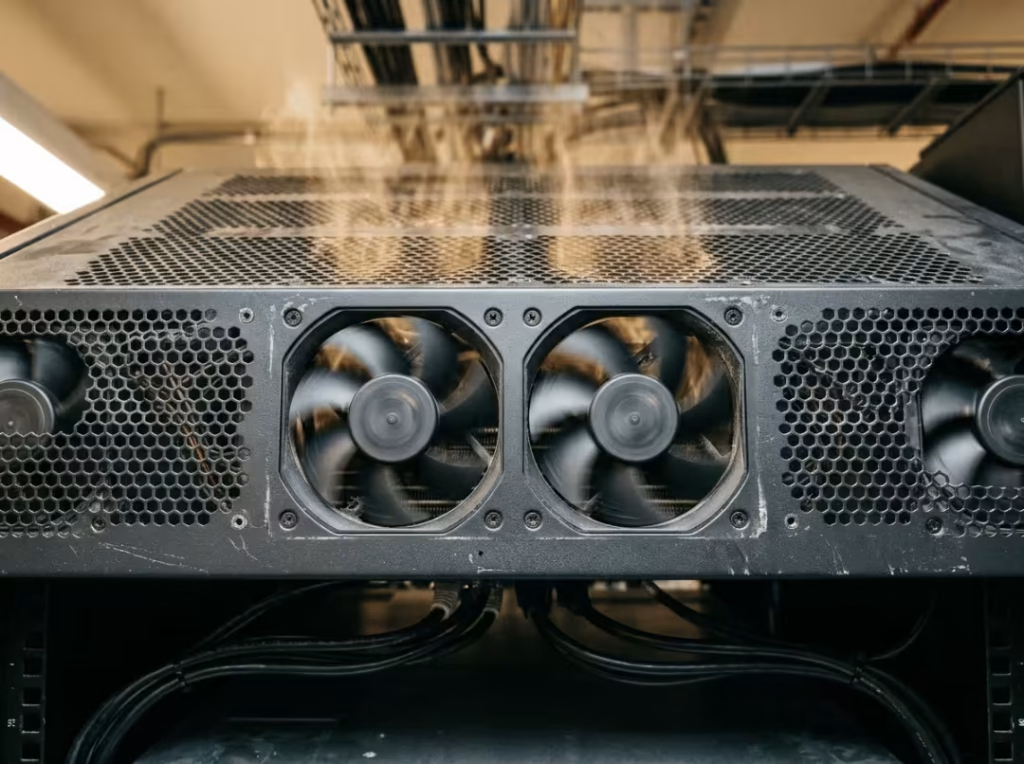
Rack mounted racks are designed around active airflow. Fan trays, blanking panels to prevent hot-air recirculation, and—in larger installations—dedicated hot/cold aisle configurations all work together to move heat reliably out of the enclosure. Wall mounted racks rely on passive convection through door vents, sometimes supplemented by a small fan kit. That’s adequate for a switch and a patch panel that barely warm up. It stops working the moment you enclose something heat-intensive in a compact cabinet with no real airflow path.
The failure pattern is consistent: solid doors, no venting plan, equipment running warm, temperatures climbing until something throttles. If your gear generates real heat, spec vented doors, maintain clearance around the cabinet, and size the fan kit to the actual thermal load—not the theoretical minimum. Don’t estimate this.
Accessibility and Serviceability
Rear access feels like a secondary concern until the first time you need it—usually when you’re tracing a cable fault or replacing a failed component in a fixed cabinet that gives you no way in from behind.
Rack mounted racks provide front and rear access with enough room to route and re-route cabling cleanly and swap components without disturbing neighboring connections. That matters on a practical level: faster service, less collateral disruption, shorter downtime.
For wall mounted racks, the gap between fixed and swing-out models is significant. A fixed wall cabinet offers front access only. Getting behind the equipment means disconnecting everything, taking the unit off the wall, working on it, and reinstalling—a task that turns a ten-minute cable swap into an hour-long job. Swing-out cabinets hinge away from the wall to expose the rear without unmounting. They cost more, need clear side clearance to open properly, and require enough cable slack to actually swing without pulling connections taut. Get all three right—swing clearance, cable slack, and the hinge itself—and rear access is no longer a problem. Miss any one of them and the hinge is decorative. If you’ll be inside the rack with any regularity, buy the swing-out version and wire it accordingly.

Expansion and Long-Term Fit
The lowest purchase price is often the highest total cost, particularly when a wall rack fills up in under a year and forces a full replacement.
Rack mounted racks cost more upfront, but the headroom they provide absorbs growth. Add a server, add storage, add switches—the enclosure doesn’t change. Wall mounted racks have a hard ceiling in both U space and weight capacity. Once you hit it, expansion means buying a new rack and migrating everything into it. That’s a capital cost, but it’s also downtime and labor.
If the setup is genuinely small and will stay that way, a wall rack is a sound, economical choice. If there’s reasonable expectation of growth, sizing up now is almost always cheaper than replacing the whole setup in twelve months.
Space, Footprint, and Security
These factors are real but rarely decisive on their own. A floor rack occupies floor space; a wall rack gives it back—which matters considerably in a compact office and very little in a dedicated server room. On security, both types can be locked, but enclosed floor cabinets generally offer more robust containment. In open, high-traffic environments, that difference is worth accounting for.
When a Rack Mounted Rack Makes Sense
A floor rack is the right choice when:
- You’re running servers, UPS or battery backup, multiple switches, or otherwise dense equipment.
- You have—or can build out—a dedicated space with adequate floor clearance and real cooling.
- The setup will grow, whether in device count, load, or both.
- You need reliable front and rear access for ongoing maintenance and servicing.
In practice, this describes a wide range of common scenarios. A small business server room starting with one server and adding more as headcount grows. A school network closet accumulating switches every academic year. A lab where test equipment expands as projects do. In each case, the loads are real, the growth trajectory is clear, and rear access isn’t optional. That’s rack-mounted territory.
Our Rackmount Case and Server Case lines cover 1U through 4U builds engineered for exactly these demands.
When a Wall Mounted Rack Makes Sense
A wall rack earns its place when the situation looks like this:
- You’re outfitting a small office, a branch site, a retail location, or a classroom.
- Floor space is constrained or unavailable.
- The gear is light—a few switches, a patch panel, maybe a small NVR.
- You want equipment elevated, out of the way, and out of casual reach.
A boutique store with one switch and a network video recorder for the cameras is a clear example. There’s no room for a floor cabinet, the load is well within what a wall mount handles comfortably, and keeping gear elevated protects it from foot traffic and accidental contact. A home office with a router and a small managed switch fits the same profile, as does a workshop running a minimal control setup. In all three, floor space is the real constraint and the load is genuinely manageable—wall-mounted is the sensible answer.
One consistent piece of advice: if there’s any chance you’ll need rear access, choose a swing-out model upfront. Retrofitting a fixed cabinet is not a good experience.
Our Wallmount Chassis range covers compact, space-constrained installations across a variety of form factors.
Common Mistakes When Choosing
Most selection errors are avoidable with a bit of upfront planning:
- Underestimating equipment weight and overloading the bracket beyond its rated capacity.
- Ignoring wall construction. A quality rack mounted into unsupported drywall is still a problem. Know what’s behind the wall before you drill.
- Skipping the thermal plan until equipment starts overheating.
- Sizing to fit today’s setup with no headroom for growth.
- Choosing a fixed cabinet when rear access was actually needed.
- Running cables too tight, which makes future servicing difficult and defeats the purpose of a swing-out hinge.
How to Choose: Six Questions in Order
- What’s going in? List every device, including anything likely to be added in the next year or two.
- What’s the total weight? This figure alone often resolves the rack-versus-wall question.
- How many U do you need, with room to grow? Plan for two years out, not just today.
- What does the space allow? Confirm floor clearance or verify the wall’s structural capacity before committing.
- How much heat does the gear produce? Match the enclosure’s airflow to the actual thermal load.
- How often will you need access? If the answer is regularly, rear access isn’t a nice-to-have.
Frequently Asked Questions
How much weight can a wall mounted rack hold?
Most wall mounted racks are rated between 50 and 200 lbs, capped by both the frame and the wall structure behind it. Always verify the rack’s stated rating and confirm that your wall type—drywall, studs, concrete, or masonry—can support the full mounted load with a reasonable safety margin.
Can I put a server in a wall mounted rack?
A small, lightweight server may physically fit, but full-size servers, UPS units, and dense configurations belong in a floor-standing rack. Weight and heat are the two reasons wall mounts consistently fall short for serious server workloads.
What size rack do I need?
Total the U height of every device you plan to install, then add buffer for cable management and anticipated additions. If that figure exceeds what a wall rack can safely accommodate in either U count or weight, move to a floor-standing rack.
Do wall mounted racks need cooling?
Usually, yes. Low-heat gear may manage on passive airflow through door vents. Anything that generates meaningful heat inside an enclosed wall cabinet needs a fan kit or a deliberate ventilation strategy—without one, thermal buildup is a matter of when, not if.
Is a rack mounted or wall mounted rack better for a small office?
For a small office with light networking equipment and limited floor space, a wall mounted rack is typically the right fit. A rack mounted rack is the better call only if you’re running servers, carrying heavier loads, or expecting the setup to grow.
Is a swing-out wall rack worth the extra cost?
Yes, if rear access will be needed with any regularity. A hinged cabinet pivots away from the wall so you can work behind the gear without unmounting anything. Confirm you have side clearance for the full swing and enough cable slack to let it open completely—without both, the hinge doesn’t deliver on its purpose.
Make the Right Call
Start with weight. Work through cooling, access, and growth in that order. That sequence eliminates most wrong choices before they’re made.
When you’re ready to spec an enclosure, tally your total equipment weight and U requirements, assess the space, and contact the GPU Server Case team. We’ll help you identify the right fit—or engineer a custom OEM/ODM chassis built precisely to your specifications.
