


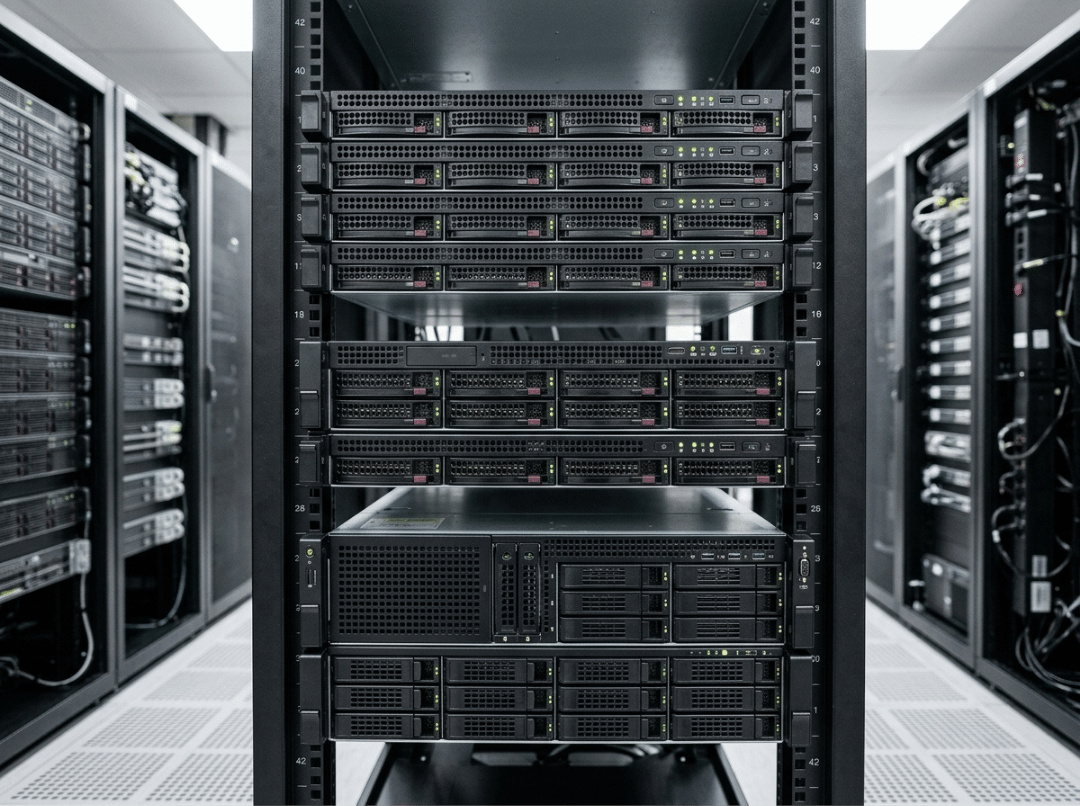
Pick the wrong height class and you’ll feel it fast — in fan noise, in thermal throttling, in a PCIe slot count that can’t support the GPU you need six months later. Height determines what goes inside the chassis, how it’s cooled, and how many nodes fit in the rack. Getting it right from the start is cheaper than re-architecting later.
The basics of rack unit measurement are covered in our companion post, What is U Height: Rack Units Explained. This article picks up where that one leaves off — comparing 1U, 2U, and 4U servers on the factors that actually drive a selection decision, then walking through a practical framework for choosing between them.
What Rack Height Actually Changes
Height is a proxy for four things that shape real-world server behavior.
Internal space and component flexibility. A taller chassis has room for more drives, larger PCIe cards, and beefier power supplies. A shorter chassis forces tradeoffs on all three before you ever power it on.
Cooling and airflow headroom. Fan diameter scales with chassis height. Larger fans spin slower, move more air, and stay quieter under sustained load. Smaller fans compensate with higher RPM, which raises noise and hits a lower thermal ceiling.
Noise and serviceability. High-RPM fans are loud — not a minor inconvenience in a small server room. And tight internal geometry makes drive swaps, card reseating, and cabling harder than they look in product photos.
Rack density and scaling limits. Every U a server occupies is a U another server can’t. For facilities managing power and space carefully, height class directly shapes what the infrastructure can grow into.
1U Servers: Best for Density, Limited for Expansion
1U is the right choice when you’re scaling horizontally — adding more identical nodes to spread load, not packing more capability into fewer machines. Per rack, a 1U chassis lets you fit more compute nodes than any other standard height class, which makes it the default for workloads built to scale out.
The constraints are real and worth stating plainly. Internal volume is tight enough that PCIe options are generally limited to low-profile cards, which rules out most GPU configurations. Fan diameter is small, so fans spin faster and louder to compensate — 1U servers are not comfortable in rooms without proper acoustic separation. Servicing components, especially in the back of a deep chassis, takes more time and care than in taller form factors.
1U makes sense for web and application hosting, load balancers, CDN edge caching, and dense virtualization clusters where node count matters more than node capability. For teams building out this kind of density, our 1U Rackmount Case is configured for exactly that workload profile.
2U Servers: The Practical Middle Ground
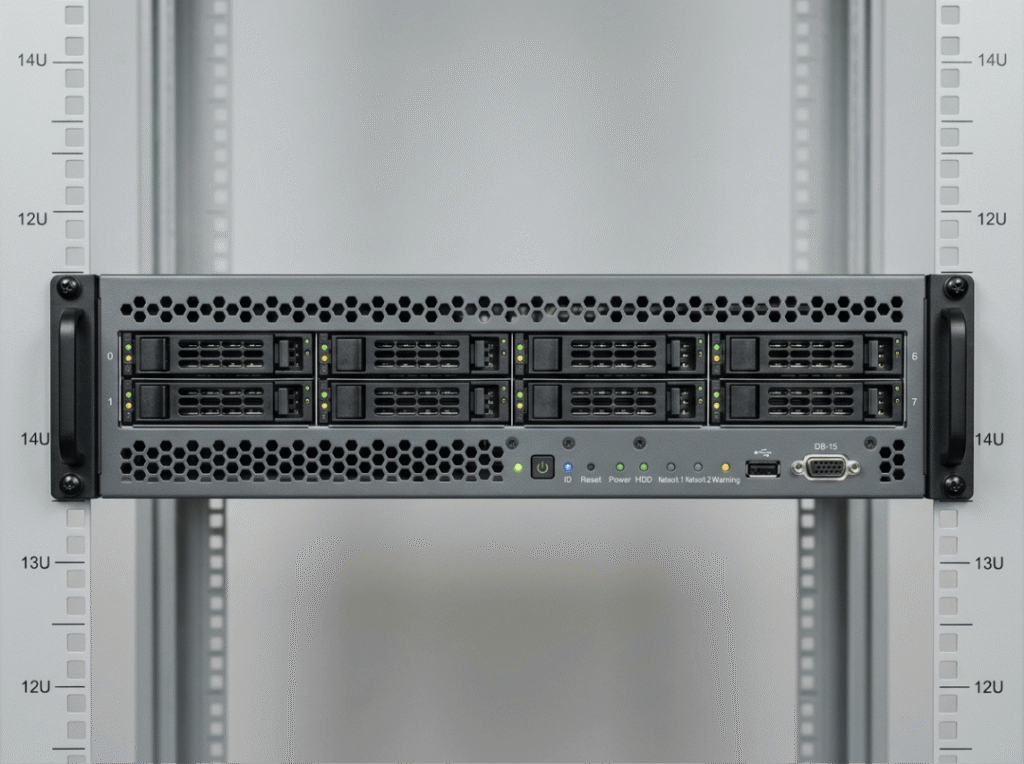
2U rack height (3.5 inches) doubles the internal volume compared to 1U, but the density penalty is modest — you can still fit around 21 servers in a standard 42U rack. That combination of headroom and density is why 2U has become the default height class for most general-purpose deployments.
What does the extra space actually buy you? Larger fans run slower and quieter under sustained load. Riser-mounted PCIe slots open up full-height, full-length card support — relevant for RAID controllers, 100GbE NICs, and single-slot GPU configurations. Drive bay count increases meaningfully, which matters for any workload with storage as a bottleneck.
2U fits databases, file and backup servers, ERP systems, and general-purpose virtualization hosts — workloads that need room to be fully specced without requiring the expansion space of a 4U chassis. If your infrastructure requirements are still evolving, 2U is the height class that accommodates future expansion without forcing a full server swap. Our 2U Rackmount Case is built around that balance.
4U Servers: When Expansion and Thermal Headroom Matter Most
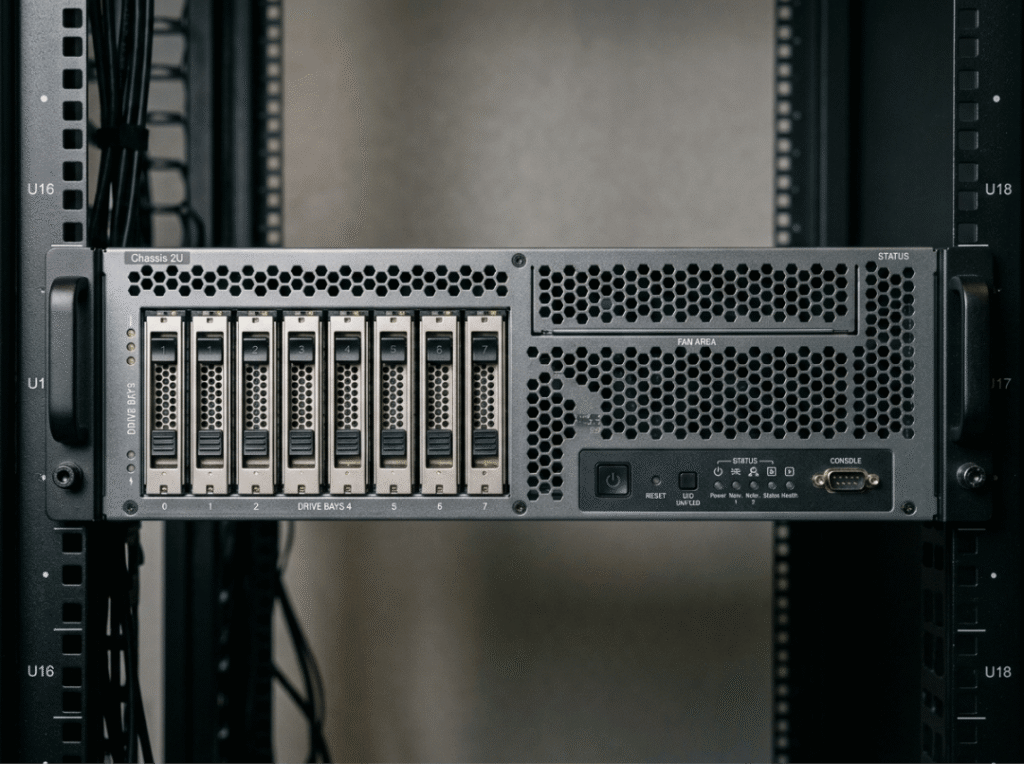
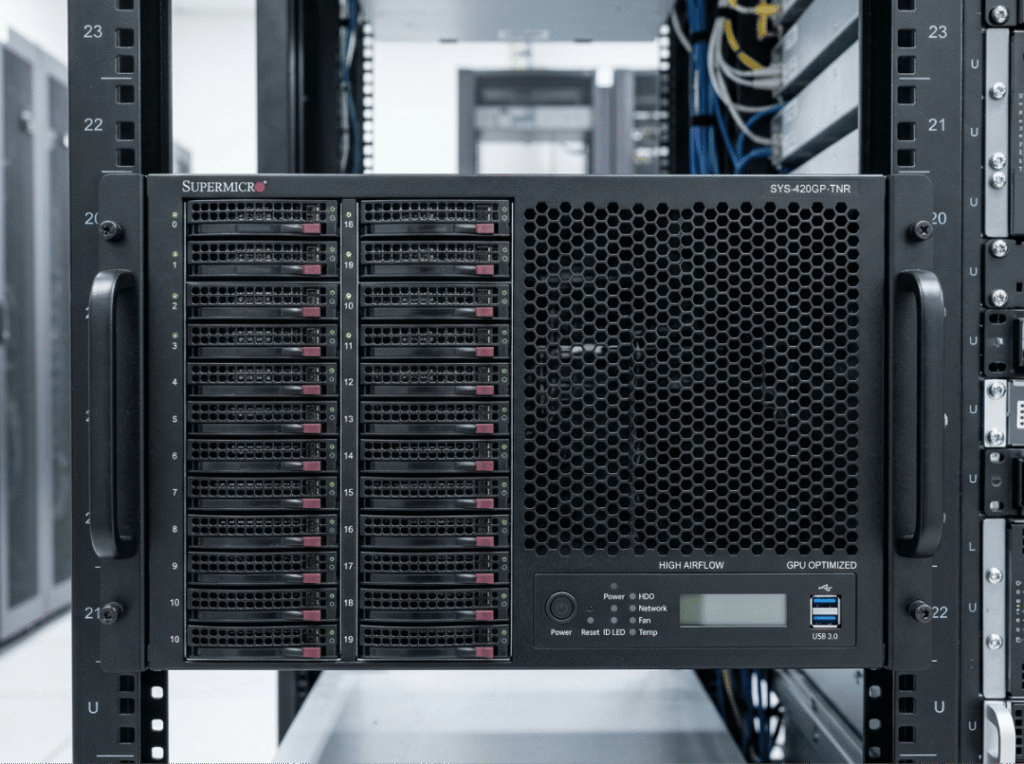
4U exists for workloads where the ceiling of a 2U chassis isn’t enough. At 7 inches tall, it uses twice the rack space of a 2U server — but it returns the highest component capacity and thermal headroom of the three classes.
The practical differences are significant. Full-length, full-height GPUs install with proper clearance and airflow rather than being shoehorned into a riser. Drive bay counts in a well-configured 4U chassis can reach 24 or more, supporting large-scale storage without external expansion. Large, slow-spinning fans handle sustained heavy compute without pushing noise levels to the point where the server room becomes hostile to work in.
4U is the standard choice for GPU training, HPC, AI inference, media rendering, and private cloud nodes with heavy memory and storage requirements. The tradeoff is worth restating clearly: each 4U server occupies four times the vertical rack space of a 1U unit. In a facility where rack space and power are both finite, that cost is real. For teams running compute-heavy workloads where per-node capability matters more than per-rack node count, our 4U Rackmount Case covers the configurations built for that demand.
Side-by-Side Comparison
|
Factor |
1U |
2U |
4U |
|---|---|---|---|
|
Height |
1.75 in |
3.5 in |
7 in |
|
Density per 42U |
Highest (~24 servers) |
Moderate (~21 servers) |
Lowest (~6 servers) |
|
Cooling headroom |
Limited |
Good |
Excellent |
|
Drive capacity |
Few bays |
Moderate–high |
High (24+ possible) |
|
PCIe expansion |
Low-profile only |
Full-height via risers |
Full-length, full-height |
|
GPU support |
Rarely |
Yes, space-constrained |
Multiple full-size GPUs |
|
Noise under load |
Higher |
Moderate |
Lower |
|
Serviceability |
Limited |
Good |
Best |
|
Best-fit workloads |
Web hosting, load balancers, edge caching |
Databases, file servers, general virtualization |
AI/GPU training, HPC, rendering, private cloud |
The sections above explain the reasoning behind each row. Use this table as a quick-reference check once you’ve worked through the tradeoffs — not as a substitute for reading them.
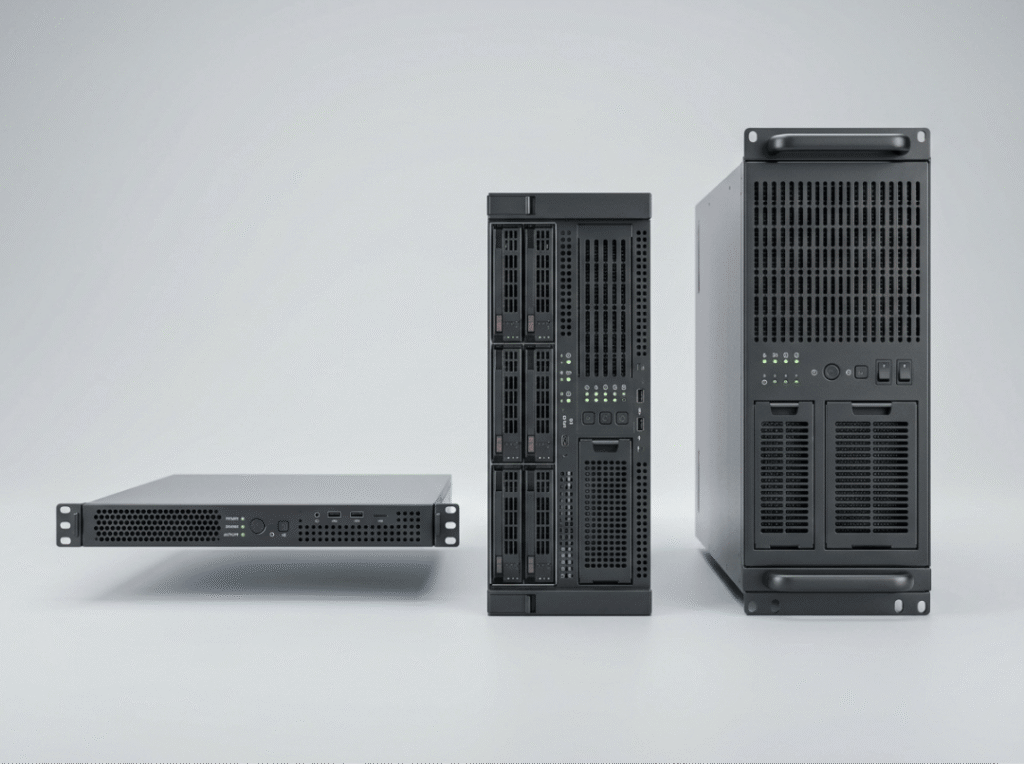
How to Choose
Start with the workload, not the spec sheet. The right question isn’t “which server has the most capability” — it’s “what does this specific workload actually need?”
Compute-light workloads that scale horizontally almost always land on 1U. Workloads that need balanced compute, storage, and moderate GPU support are well served by 2U. Workloads that require full-size GPUs, high drive counts, or sustained heavy thermal output belong in 4U.
Once workload type is settled, check three things together: available rack space, power budget per rack, and facility cooling capacity. A server that’s the right height class for the workload can still be the wrong choice if the facility can’t support its power draw or heat output. Plan for where the workload will be 18 to 24 months from now, not just today — buying one height class up when growth is likely is cheaper than replacing hardware on a short cycle.
The rule of thumb is direct: 1U for density, 2U for balance, 4U for expansion and heavy compute. When you’re ready to compare specific models across all three height classes, our full Rackmount Case range covers them.

FAQs
What is 1U in a rack?
1U is one rack unit — 1.75 inches (44.45 mm) of vertical mounting space in a standard 19-inch server rack. It’s the base unit of measurement for rackmount equipment and the smallest standard chassis height class.
What is the difference between 2U and 4U rack height?
2U rack height is 3.5 inches; 4U is 7 inches. The extra height in a 4U chassis means more drive bays, full-size GPU clearance, and larger fans for better sustained cooling — at the cost of occupying twice the vertical rack space per server.
Can a 1U server support a GPU?
Rarely in any meaningful way. Full-size, double-wide GPUs require more physical clearance, power delivery, and cooling than a 1U chassis can provide. For GPU workloads, 2U is the minimum practical height class, and 4U is the standard choice for multi-GPU configurations.
Is 2U always better than 1U?
No. 2U provides more cooling capacity, drive bays, and expansion options, but uses twice the vertical space per server. When density is the priority and the workload is thermally light, 1U is the better choice.
Can I mix 1U, 2U, and 4U servers in the same rack?
Yes. Mixed-height racks are common in most deployments. Plan for total U used, place heavier servers low in the rack for stability, and verify that airflow direction is consistent across all installed equipment.
Conclusion: Match the Chassis to the Job
The framework is simple: define the workload, check rack space and power budget together, account for expected growth, and choose the smallest height class that still leaves room to scale. Buying more height than you need wastes rack space. Buying less means either accepting limits or replacing hardware sooner than planned.
If you’re still working through rack sizing fundamentals, our companion post What is U Height: Rack Units Explained covers the standard and the math. When you’re ready to move from height class to a specific model, the Rackmount Case range is the next stop.
