


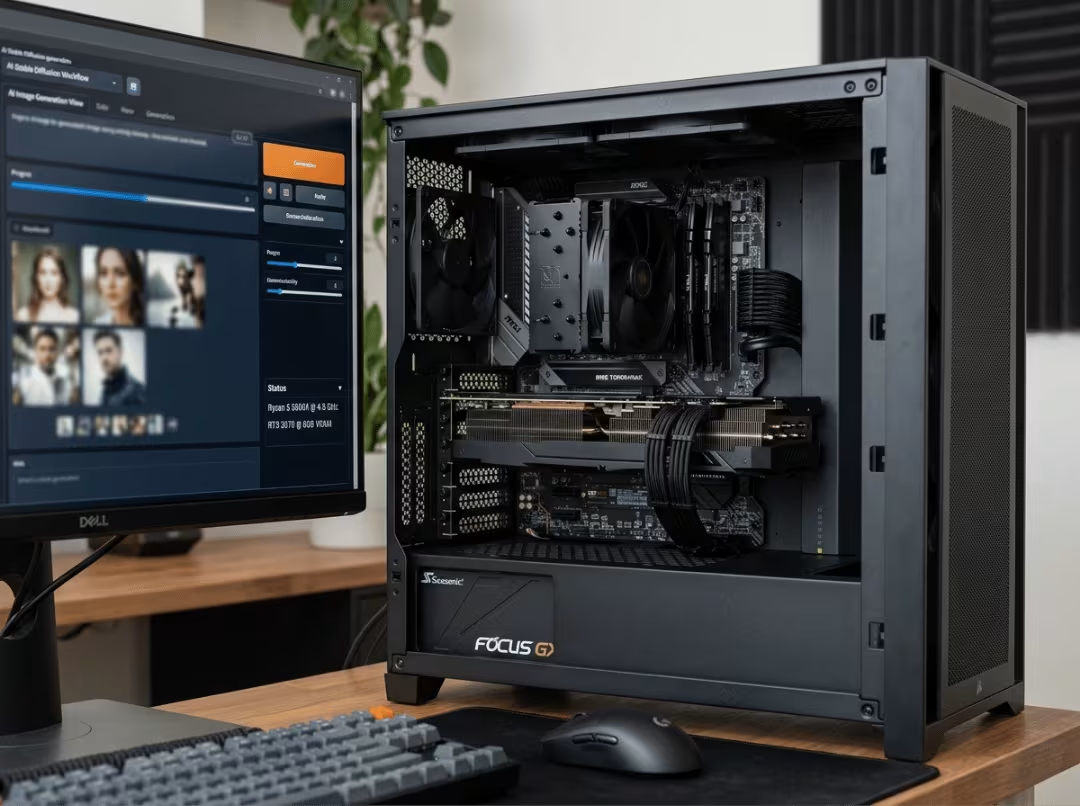
The Ryzen 5 5600X is still one of the most common CPUs on the AM4 platform, and many owners now want to run local AI workloads on it. The real question isn’t whether the 5600X is fast enough — it almost always is. The question is which GPU makes sense once you account for VRAM, CUDA support, memory bandwidth, sustained thermals, and whether the card physically fits your build.
This guide cuts through the spec noise. It covers how to evaluate your own workload, what to prioritize over raw benchmark numbers, where used cards beat new ones for AI, and why power supply and airflow decisions matter as much as the GPU itself.
Is the Ryzen 5 5600X Still Good for AI Builds?
For a single-GPU setup, yes — comfortably.
The 5600X’s 6 cores and 12 threads handle everything the CPU is asked to do in most AI pipelines: loading datasets, tokenizing inputs, preprocessing batches, and keeping the GPU fed. Inference, image generation, and small- to mid-scale fine-tuning are overwhelmingly GPU-bound. The CPU keeps up fine.
The platform’s real limits are elsewhere. PCIe 4.0 x16 on B550 and X570 boards provides more than enough bandwidth for a single card. What actually constrains larger workloads is system RAM — not the CPU clock speed, not the PCIe generation. If you’re planning to work with large models or heavy datasets, prioritize 32GB of system memory alongside your GPU choice.
The practical conclusion: for a single-GPU AI workstation, the 5600X doesn’t hold you back. Put the money into the graphics card.
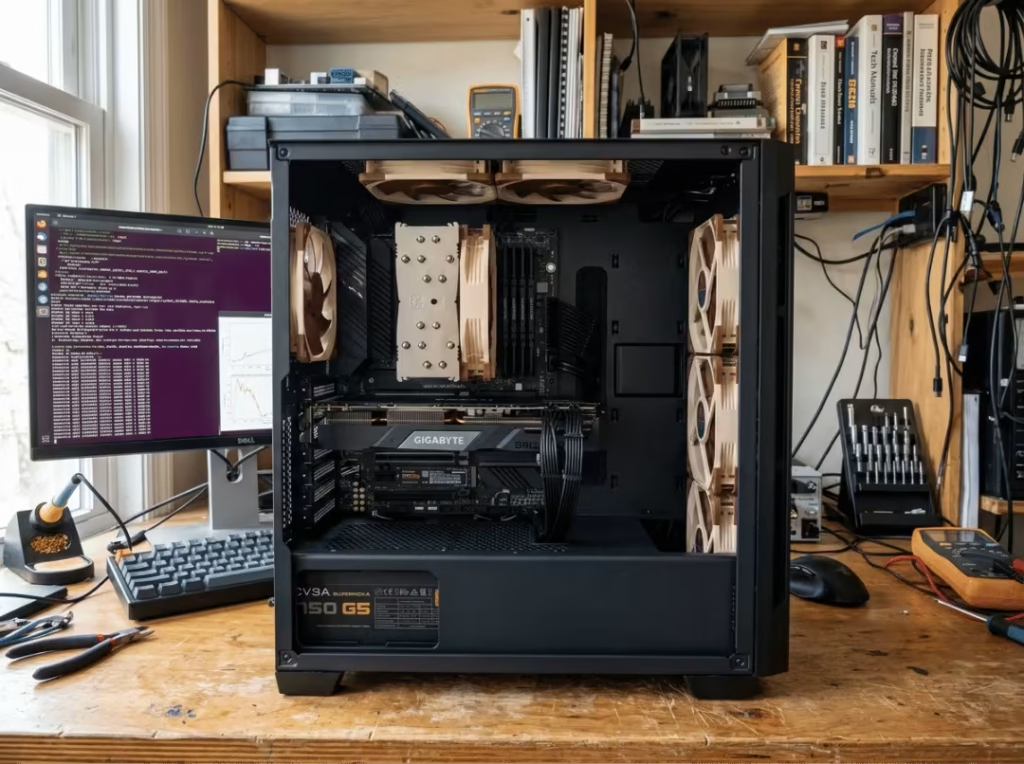
What Matters Most in an AI GPU for This System
Four criteria matter far more than any benchmark score. Get these right, and the card serves you for years; get them wrong, and you’ll hit a wall within months.
VRAM Is the First Filter
VRAM determines what you can run at all. Model size and context length are hard-gated by video memory — run out and the workload either fails to load or spills into system RAM at a fraction of the speed. Raw compute is secondary to this.
Practical tiers:
- 8GB — Entry-level. Enough for learning and small models, but the ceiling arrives quickly.
- 12GB — Comfortable for mid-size LLMs, Stable Diffusion, and light experimentation.
- 16GB — Serious local work with room for larger models and higher image resolutions.
- 24GB — The sweet spot for running bigger models locally and doing meaningful fine-tuning.
Set your VRAM floor to the largest workload you expect to run, then find the cheapest reliable card that meets it. Don’t optimize for compute while under-speccing memory.
CUDA Matters More Than Raw Specs
The tools most people actually use — PyTorch, TensorFlow, Ollama, ComfyUI, AUTOMATIC1111 — assume NVIDIA CUDA. That assumption is baked deep into the software stack, and it means a CUDA card just works while a non-CUDA card may require weeks of troubleshooting to reach the same starting point.
For most readers, this settles the question. Pick NVIDIA unless you have a specific, informed reason not to.
Memory Bandwidth Often Decides Performance
Token generation speed and training throughput scale with memory bandwidth, not just GPU core count. A card can have strong compute but still feel slow if it can’t move data in and out of VRAM fast enough.
This is why a used RTX 3090 — with its 384-bit memory bus pushing over 900 GB/s — frequently outpaces newer mid-range cards in LLM inference despite being several years older. When comparing two cards with similar VRAM, bandwidth is often the deciding factor.
Sustained Power Draw Changes the Whole Build
AI workloads behave very differently from gaming. A game pushes the GPU in brief bursts; a training run or long inference session pins the card near 100% utilization for hours. That continuous draw has two practical consequences most first-time builders underestimate: the PSU needs real headroom above average load, and cooling must handle steady heat output rather than short spikes. Both feed directly into later decisions about power supply sizing and case selection.
A Simple Way to Choose the Right GPU
The selection process comes down to three steps:
- Start with your actual workloads. Inference only or fine-tuning? LLMs or image generation? What model sizes are you targeting? Your honest answers put your requirements before price.
- Set your VRAM floor before your budget ceiling. Find the minimum VRAM your workload requires, then find the cheapest reliable card that meets it. Don’t trade memory for compute.
- Budget for power and cooling alongside the GPU. A working build needs a properly sized PSU and adequate airflow. Treat them as part of the GPU decision, not a separate afterthought.
Best Budget GPUs for Ryzen 5 5600X AI Builds
This tier suits first-time local AI builders, hobbyists, and students.
RTX 3060 12GB — The best VRAM-per-dollar card at this price. Twelve gigabytes is genuinely useful for mid-size LLMs, Stable Diffusion, and casual experimentation, and raw compute — while modest — is enough for the tasks this tier handles. If you’re just starting out and want the most headroom per dollar, this is the pick.
RTX 4060 Ti 16GB — More VRAM and better power efficiency than the 3060. The trade-off is a narrow 128-bit memory bus that limits bandwidth-heavy inference. Choose it when workload capacity matters more than throughput, and when running cool and quiet in a smaller case is a priority.
Best budget used option: RTX 3080 12GB or 2080 Ti — On the secondhand market, both cards offer substantially more memory bandwidth than anything new at a similar price. The trade-offs are standard for used hardware: no warranty, unknown usage history, and some validation effort required. If you’re comfortable buying used and want more performance per dollar, either is a strong pick.
Best Mid-Range GPUs for Serious Local AI Work
This tier covers daily local AI use, larger models, and active fine-tuning.
RTX 4070 Super — Efficient, well-cooled, and capable across a wide range of workloads. The 12GB VRAM ceiling is the main limitation — it caps the model sizes you can comfortably run. A good choice if efficiency and modern architecture matter and your workloads fit within that memory budget.
Used RTX 3090 — Probably the strongest overall value in this guide. The 24GB VRAM and wide memory bus make it a well-documented sweet spot for local LLMs, and used pricing puts it within reach of many mid-range budgets. For AI specifically, it regularly outperforms newer cards carrying half the memory.
RTX 4080 Super — Newer, more efficient, and genuinely fast. At 16GB and a higher price, it offers less VRAM per dollar than a used 3090. Worth choosing if warranty coverage, lower power draw, and quieter thermals are priorities — and 16GB genuinely covers your needs.
Used RTX 3090 vs. Newer Lower-VRAM Cards
This is the guide’s central trade-off. The used 3090 offers 24GB and high bandwidth at a fraction of its original price. Newer cards like the 4070 Super and 4080 Super offer modern architecture, lower power draw, and a warranty — but cap out at 12–16 GB of memory.
For most AI workloads, VRAM and bandwidth win. The 3090’s 24GB lets you load models the others can’t, and its wide bus keeps inference fast. Accept the trade-offs — higher power consumption, more heat, no warranty, a physically large card — and the 3090 is hard to beat. If efficiency, warranty coverage, and cooler operation matter more than raw capacity, a newer card is the cleaner choice.
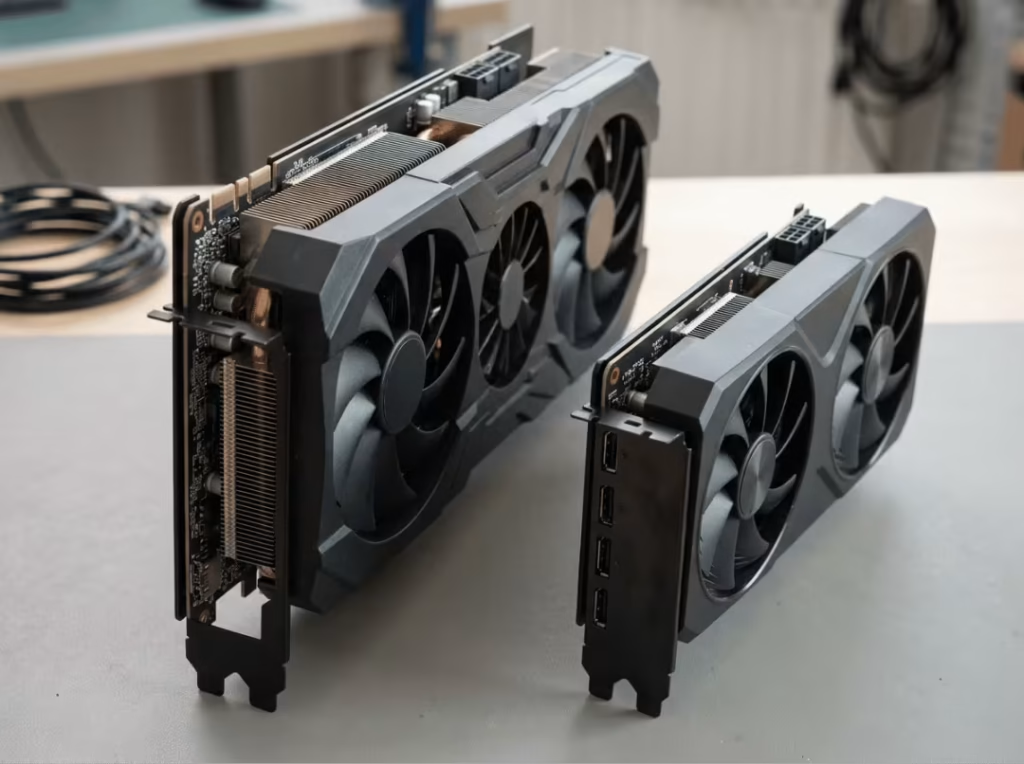
High-End GPUs on a 5600X: Do They Actually Make Sense?
The RTX 4090 and 5090 work fine on a 5600X — but for most people, the pairing is budget-inefficient.
You’re paying flagship prices while the rest of the platform stays mid-range. The compute overhead goes unused on workloads that don’t specifically need it, and the practical downsides are real: massive power draw, physically large cards, and diminishing returns unless you’re doing large-model training or heavy professional compute.
For most 5600X owners, a used 3090 or a solid mid-range card delivers far better value. Reserve flagship cards for workloads that genuinely demand them.
Should You Consider AMD?
AMD warrants a considered answer rather than a reflexive no.
When AMD makes sense: If you run Linux, are comfortable with ROCm, and want high VRAM at a competitive price, AMD is a legitimate option. ROCm support has improved significantly since 2023, and certain AMD cards offer excellent memory capacity for the price.
When it isn’t the right choice: Most mainstream AI tooling assumes CUDA. On Windows in particular, AMD support is patchy, and getting popular inference tools to run reliably can be time-consuming. For a build where the goal is to install software and start working, NVIDIA is the safer default.
AMD suits technically experienced Linux users who know exactly which stack they’ll run. For everyone else, the CUDA ecosystem advantage outweighs the price difference.
Power Supply, Cooling, and Case Fit Can Change the Right Answer
This is the section people skip and later regret. The right GPU on paper becomes the wrong GPU if your build can’t power it, cool it, or physically contain it.
PSU Planning for Sustained AI Loads
Unlike gaming, which produces short power spikes, AI workloads sustain near-peak draw for hours at a time. Your PSU needs to be sized for that reality, not for average load.
Specifics worth remembering:
- Headroom. A quality unit running well below its rated limit runs cooler, quieter, and more reliably during long jobs. Plan for margin, not minimum.
- Transient spikes. High-end cards like the 3090 and 4090 can briefly exceed their rated draw. A robust PSU absorbs this without tripping protections mid-job.
- Connectors. Newer cards use the 12VHPWR connector. Make sure your PSU supplies it natively or via a quality adapter, and that the connection is fully seated before long runs.
For a 5600X paired with a used 3090, a quality 850W unit is a sensible baseline. Prioritize efficiency rating and reputation over chasing the minimum wattage.
GPU Length, Weight, and Slot Thickness
Many of the best AI cards — especially used 3090s and flagship models — are long and heavy, occupying 2.5 to 3 PCIe slots. Before purchasing, verify your case’s maximum GPU length clearance and confirm the card won’t block drive bays, ports, or adjacent expansion slots. Heavy cards also put stress on the PCIe slot over time; a GPU support bracket is worth adding.
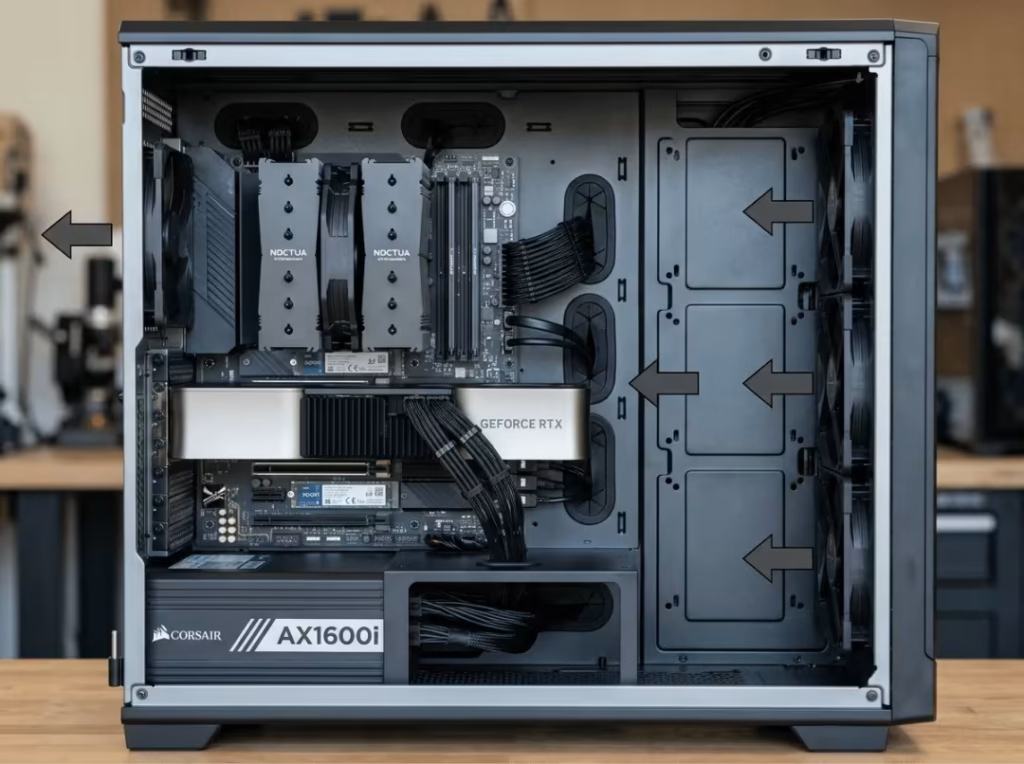
Airflow for Long, Steady Thermal Loads
Gaming thermals are bursty and short. AI thermals are steady and long. A GPU running at high utilization for hours generates continuous heat that must actually leave the case — not recirculate inside it.
Balance intake and exhaust so exhaust air exits efficiently. Monitor GPU temperatures during extended runs; if temps creep toward throttling limits, the bottleneck is airflow, not the GPU itself. Sustained heat also degrades components faster, so a well-ventilated enclosure protects hardware longevity as much as it protects performance.
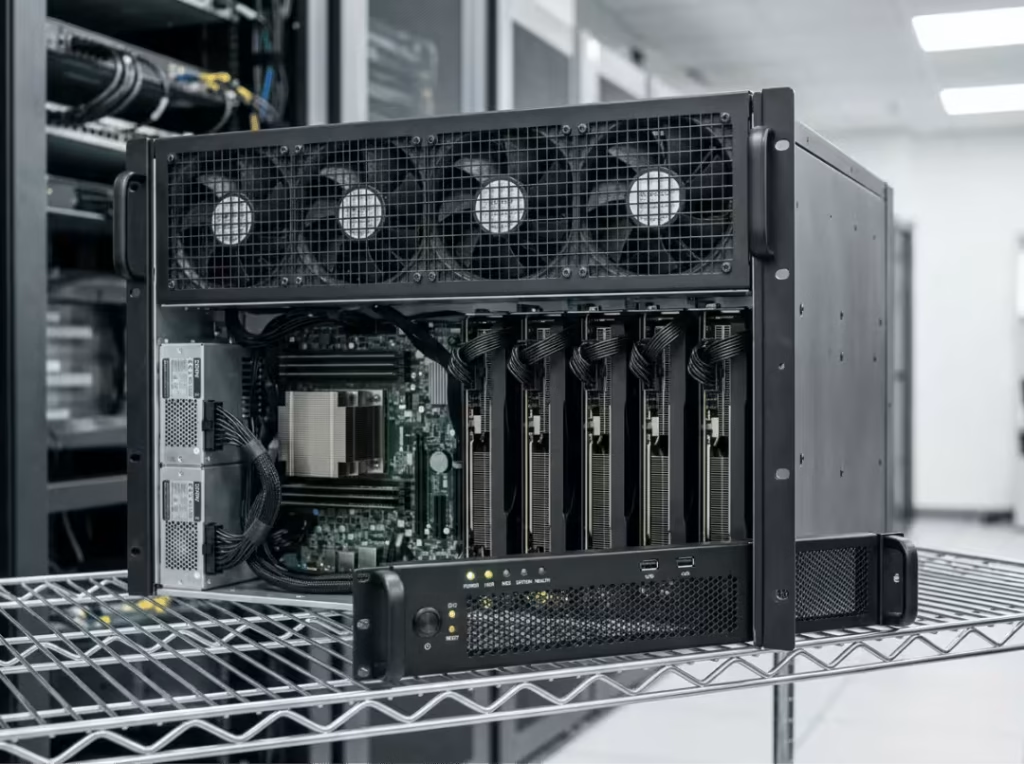
If you’re running long AI jobs regularly, the chassis is part of the equation, not an afterthought. Enclosures designed for sustained high-draw workloads — such as GPU server cases engineered for dense thermal management — handle continuous GPU loads fundamentally differently from standard desktop cases. For builders scaling toward multi-GPU setups or rackmount configurations down the line, a purpose-built server chassis or 4U GPU server case is worth planning for from the start rather than retrofitting later.
Common GPU Pairing Mistakes to Avoid
- Chasing benchmarks over VRAM. A card that tops gaming charts can still fail to load the model you want to run.
- Buying too little VRAM. The savings now rarely outweigh the risk of hitting a hard model-size wall in three months.
- Under-sizing the PSU. Sustained AI loads are unforgiving of borderline power supplies. Build in margin.
- Ignoring physical clearance and airflow. Measure before you buy. A card that won’t fit or can’t stay cool is the wrong card, regardless of specs.
- Assuming AMD works like NVIDIA. On Windows with mainstream AI tools, it often doesn’t. Plan accordingly.
- Overspending on a flagship. If your workload doesn’t actually need a 4090, that money builds a much better system elsewhere.
Best GPU Choices by Use Case
- Entry/learning: RTX 3060 12GB — maximum VRAM per dollar for getting started.
- Efficient modern budget: RTX 4060 Ti 16GB — more capacity, narrower bus, lower power draw.
- Best value for serious local AI: Used RTX 3090 (24GB) — VRAM and bandwidth that outperform their price.
- Efficient mid-range: RTX 4070 Super / RTX 4080 Super — cool, capable, and reliable within 12–16GB.
- High-end only if the workload demands it: RTX 4090 / RTX 5090.
FAQ: Ryzen 5 5600X AI Build GPU Questions
How much VRAM do I actually need for local AI?
It depends on your workload. 8GB handles small models and learning; 12GB covers most LLM and image generation tasks comfortably; 16GB gives meaningful headroom; and 24GB lets you run large models and do real fine-tuning. Identify the largest model you plan to run, then buy the cheapest reliable card that clears that VRAM floor.
Will the Ryzen 5 5600X bottleneck a powerful GPU for AI workloads?
Not meaningfully for single-GPU work. Local AI is GPU-bound, and the 5600X handles data loading and preprocessing without issue. The realistic constraint for large workloads is system RAM, not the CPU.
RTX 4060 Ti 16GB vs. a used RTX 3080 12GB — which is better for AI?
Choose the 4060 Ti 16GB if you need the extra VRAM capacity, want modern efficiency, and value a warranty. Choose the used 3080 12GB if you want substantially more memory bandwidth and compute performance for the money and are comfortable buying secondhand. For bandwidth-heavy inference, the 3080’s wider bus wins; for raw capacity, the 4060 Ti’s 16GB does.
Does PCIe 3.0 vs. 4.0 matter for a single AI GPU?
Very little in practice. For single-GPU inference or training, the bandwidth difference between PCIe 3.0 and 4.0 x16 is negligible. The 5600X supports PCIe 4.0 on B550 and X570 anyway, so this isn’t a concern for this platform.
Can I use an AMD GPU with ROCm for AI on this platform?
Yes, but with meaningful caveats. ROCm works best on Linux, requires more setup than CUDA, and has narrower hardware and OS support. If you’re on Linux and comfortable troubleshooting, AMD can offer strong VRAM per dollar. For a frictionless experience — especially on Windows — NVIDIA is the safer choice.
What PSU do I need for a 24GB GPU like the RTX 3090?
A quality 850W unit is a sensible baseline for a 5600X paired with a 3090. Prioritize a reputable, high-efficiency unit with comfortable overhead over chasing the minimum wattage — transient spikes and sustained AI loads both punish tight PSU margins.
The Best GPU for Your Ryzen 5 5600X AI Build
The 5600X remains a capable and cost-effective base for a single-GPU AI workstation. The smart move is to concentrate the budget on the GPU itself.
For most builders: the RTX 3060 12GB on a tight budget; a used RTX 3090 for the best value for serious local AI; and the RTX 4070 Super or 4080 Super when efficiency and warranty coverage take priority.
Whichever card you choose, the GPU is only the right choice if the rest of the build supports it. Size the PSU with real headroom, plan for the sustained thermal load that AI workloads actually produce, and choose a case that moves air effectively. Get those three things right alongside the GPU, and a 5600X build will handle local AI reliably for years.
